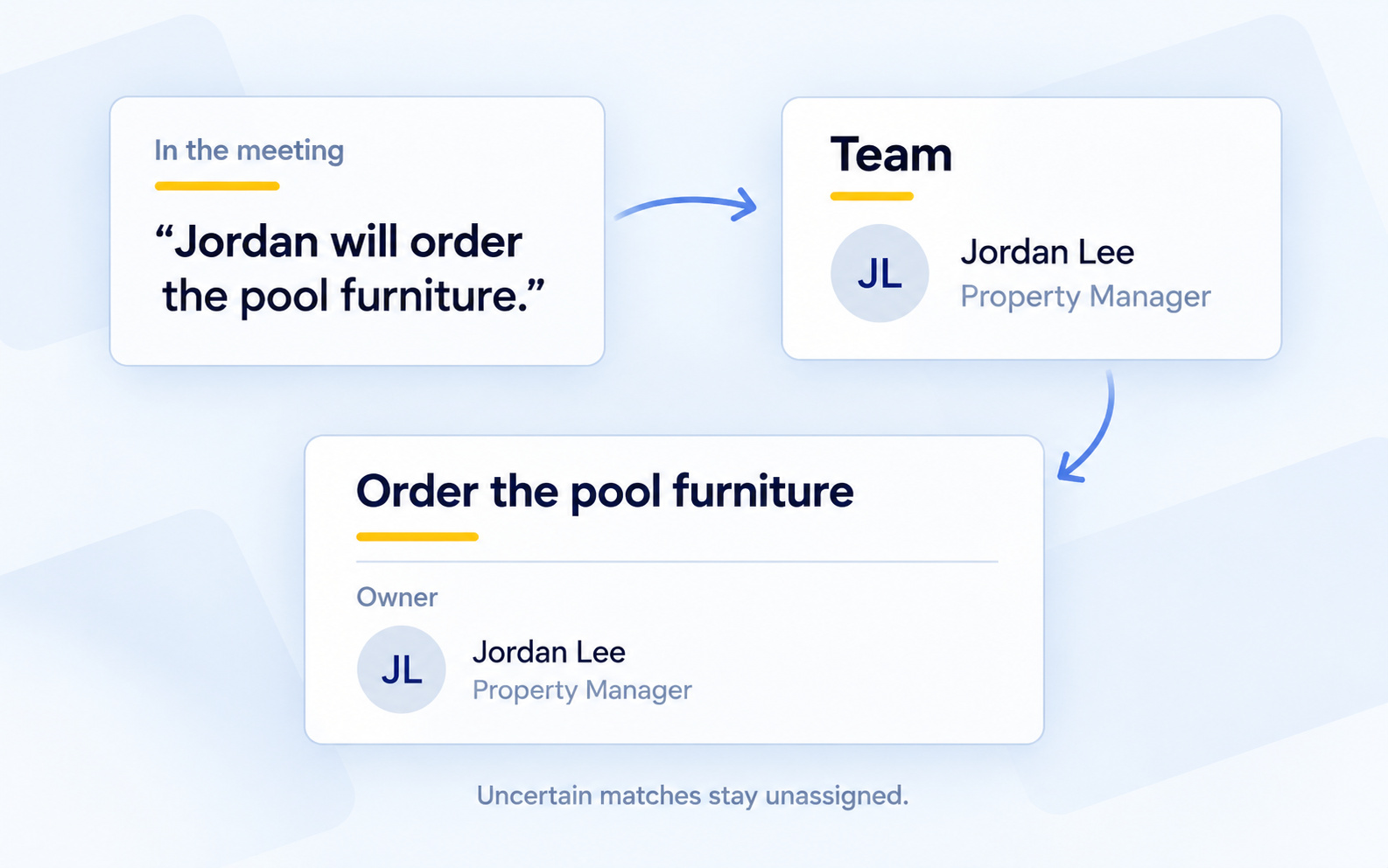
When a meeting names someone responsible for a follow-up, Kenli uses the property's Team to match the owner and spell their name consistently in summaries and action items.
If Kenli cannot confidently identify the person, it leaves the item unassigned. You can choose the right person from the Team when you review the action item.
Where to find it: Open a property → Team to review its people and roles. On the web, click an action item's owner to choose someone from that Team. Name matching also applies to meetings recorded on your phone.