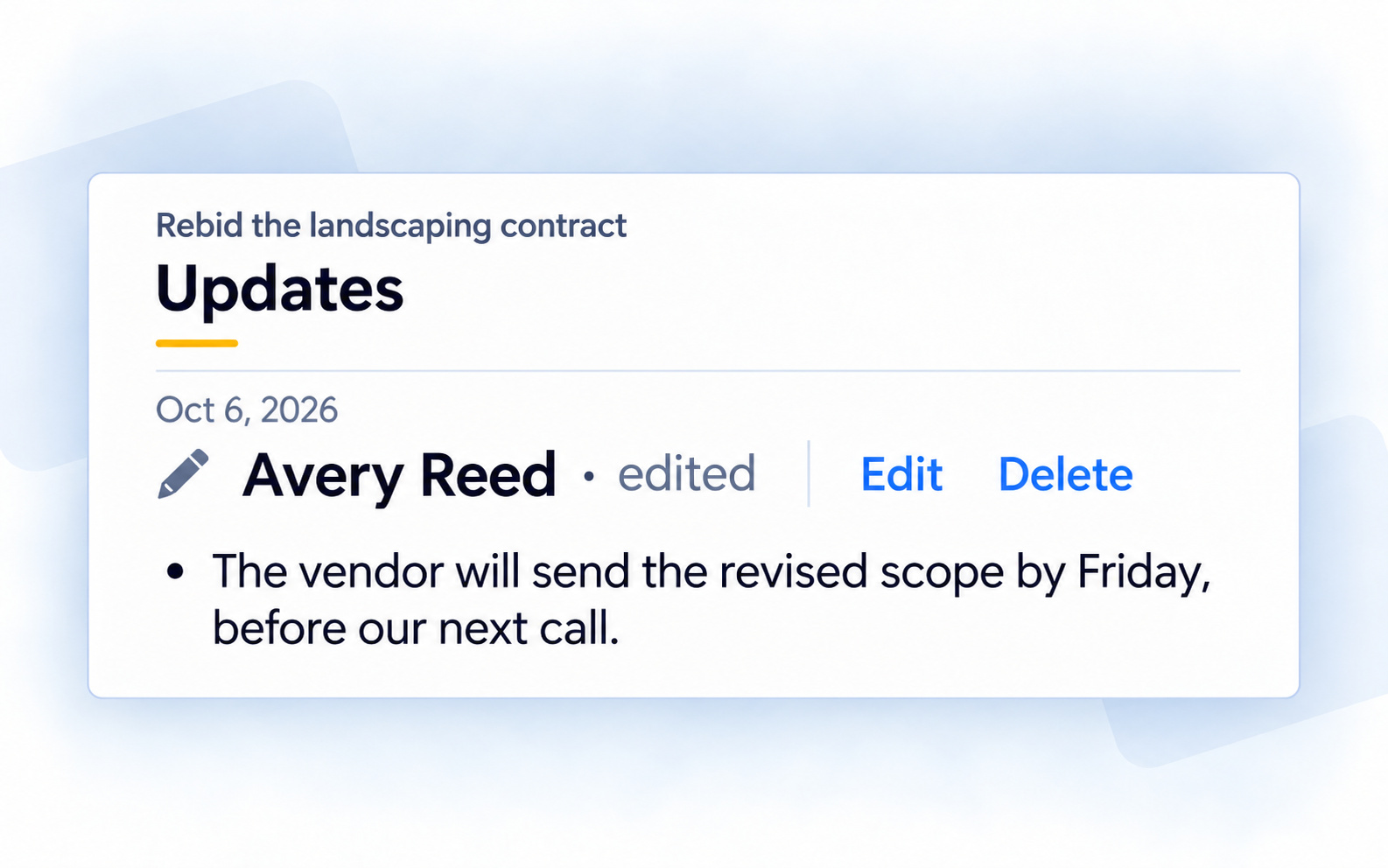
New notes on action items show who wrote them, so you can see who added the update. If you edit one, it says “edited.”
On the web, you can edit or delete your own new notes. Authors and edited marks are visible on the phone too.
Where to find it: Open an action item → Updates. On the web, Edit and Delete appear beside new notes you wrote.