What's new in Kenli
Product updates and real ways property teams use Kenli. Newest first.
-
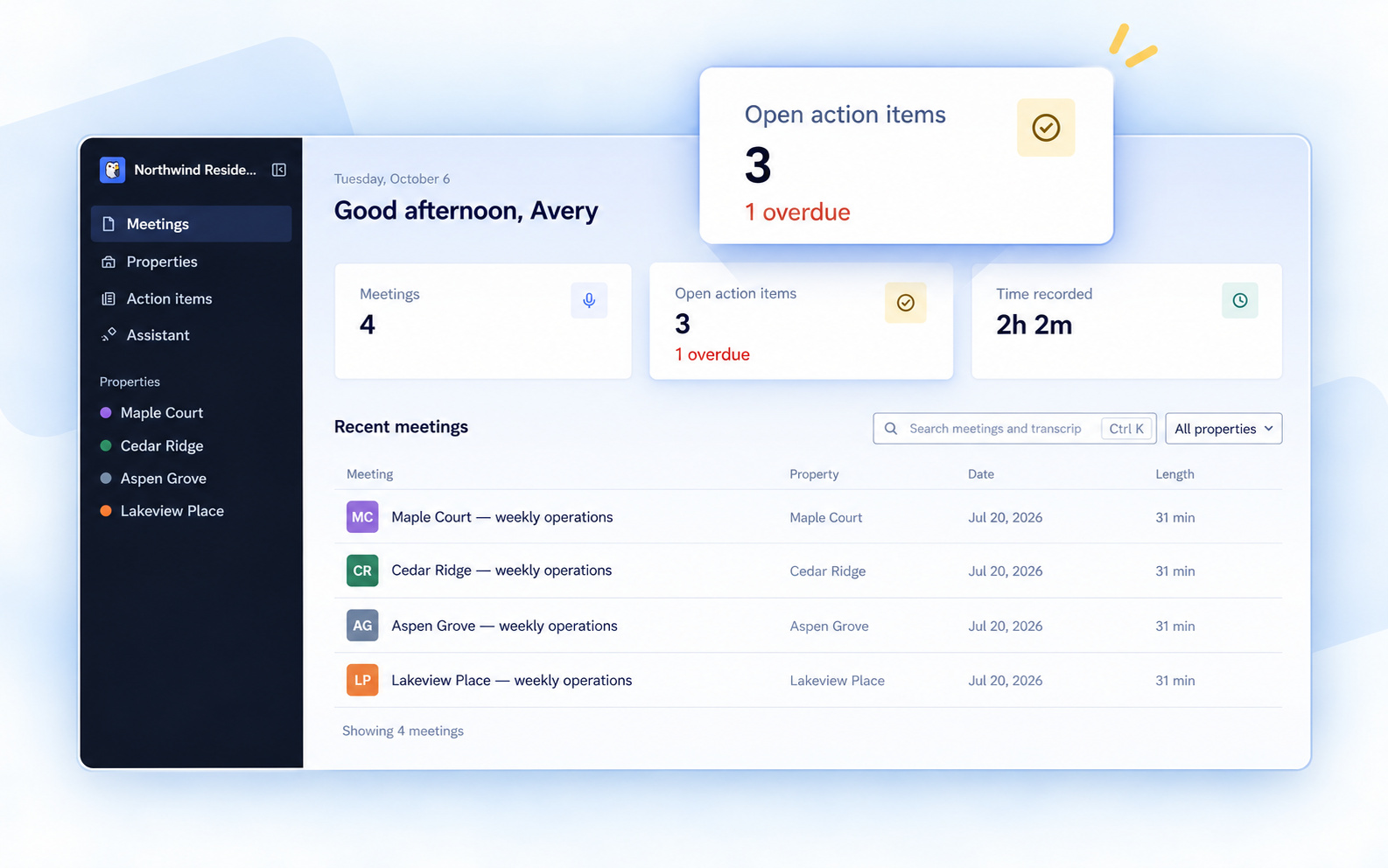
Kenli has a new look
Your properties are one click away in the sidebar. The home page brings your recent meetings, open action items and overdue work into view when you sign in.
Read the update → -
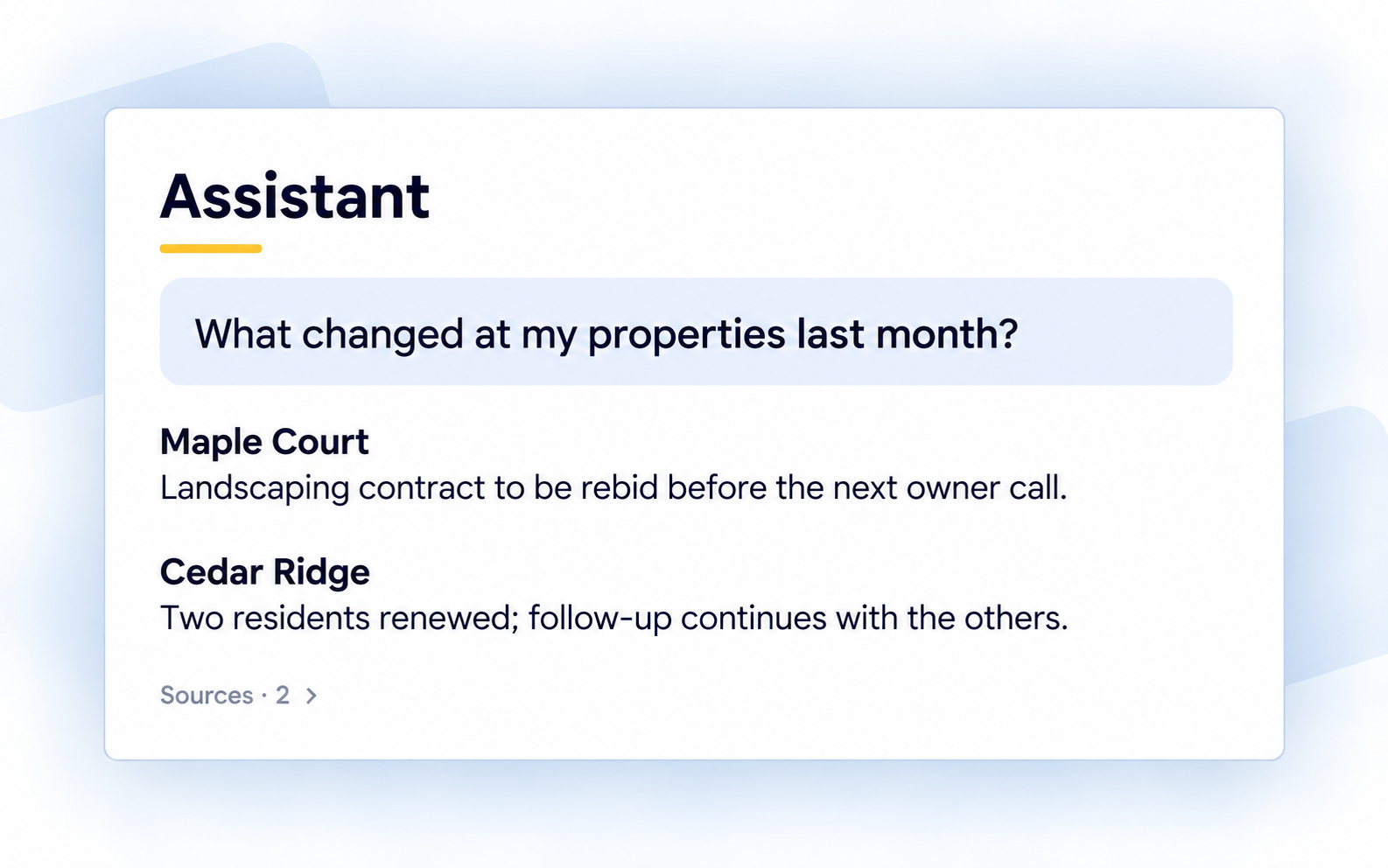
Ask Kenli about your meetings
Ask “What changed at my properties last month?” and Kenli reads your meetings to answer, across your properties.
Read the update → -
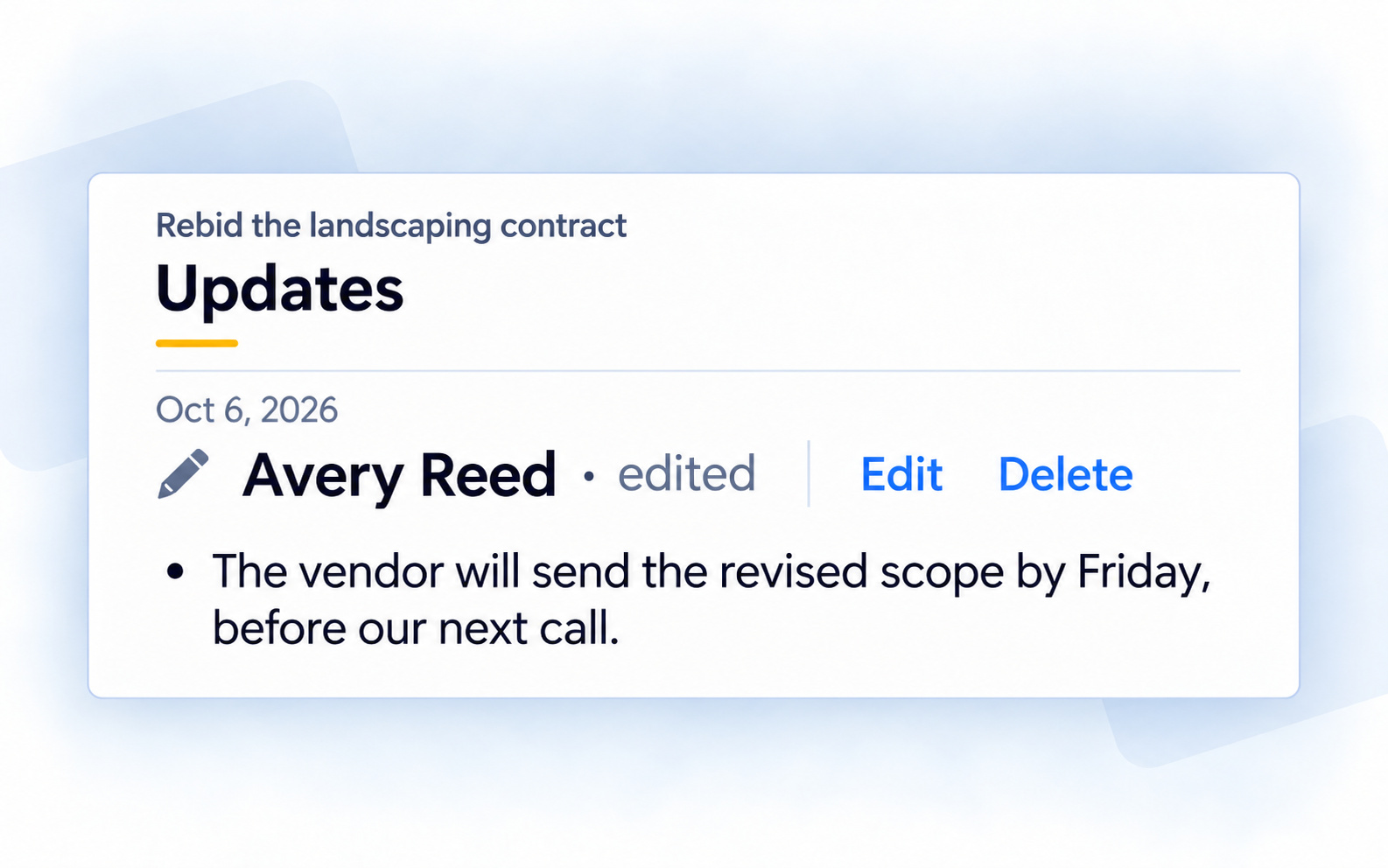
Notes show who wrote them
New notes on action items show who wrote them, so you can see who added the update. If you edit one, it says “edited.”
Read the update →
-
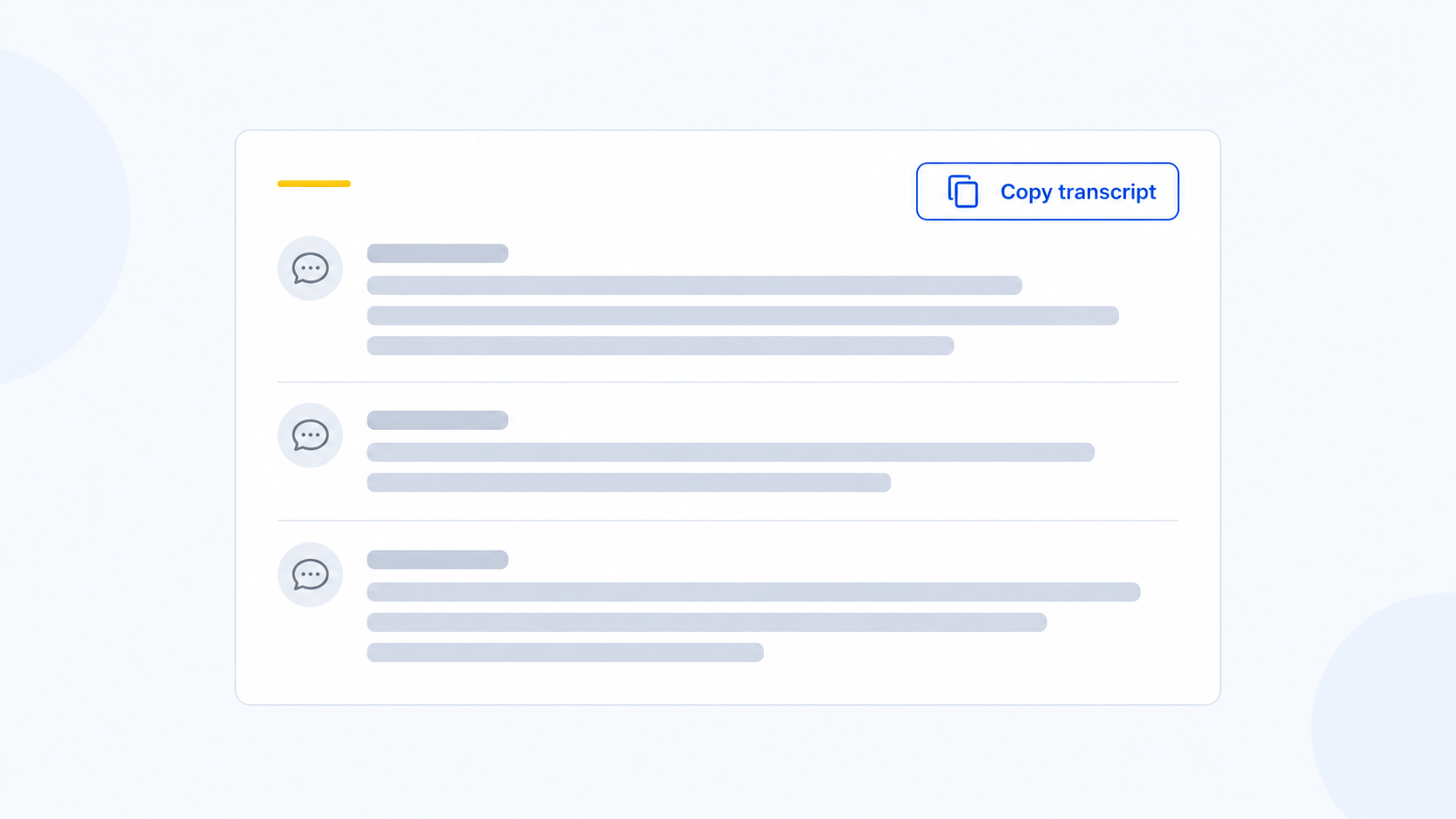
Copy the whole transcript
Copy a saved meeting’s full transcript in one step, with its speaker labels and timestamps.
Read the update → -
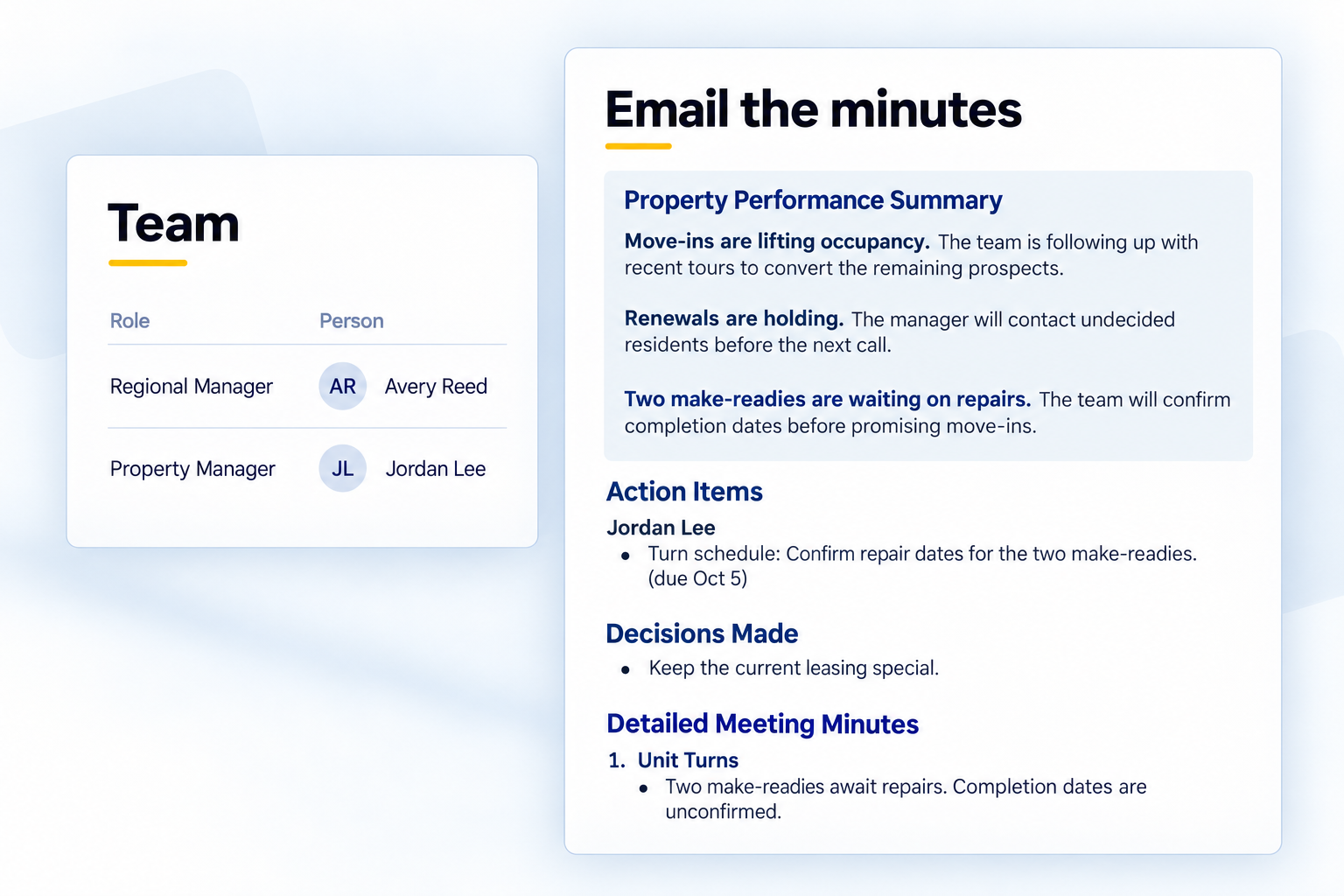
Turn your operations call into a follow-up email
Give the property team a written recap of the decisions and next steps. Review it in Kenli, then send from Outlook or Gmail.
Read the update → -
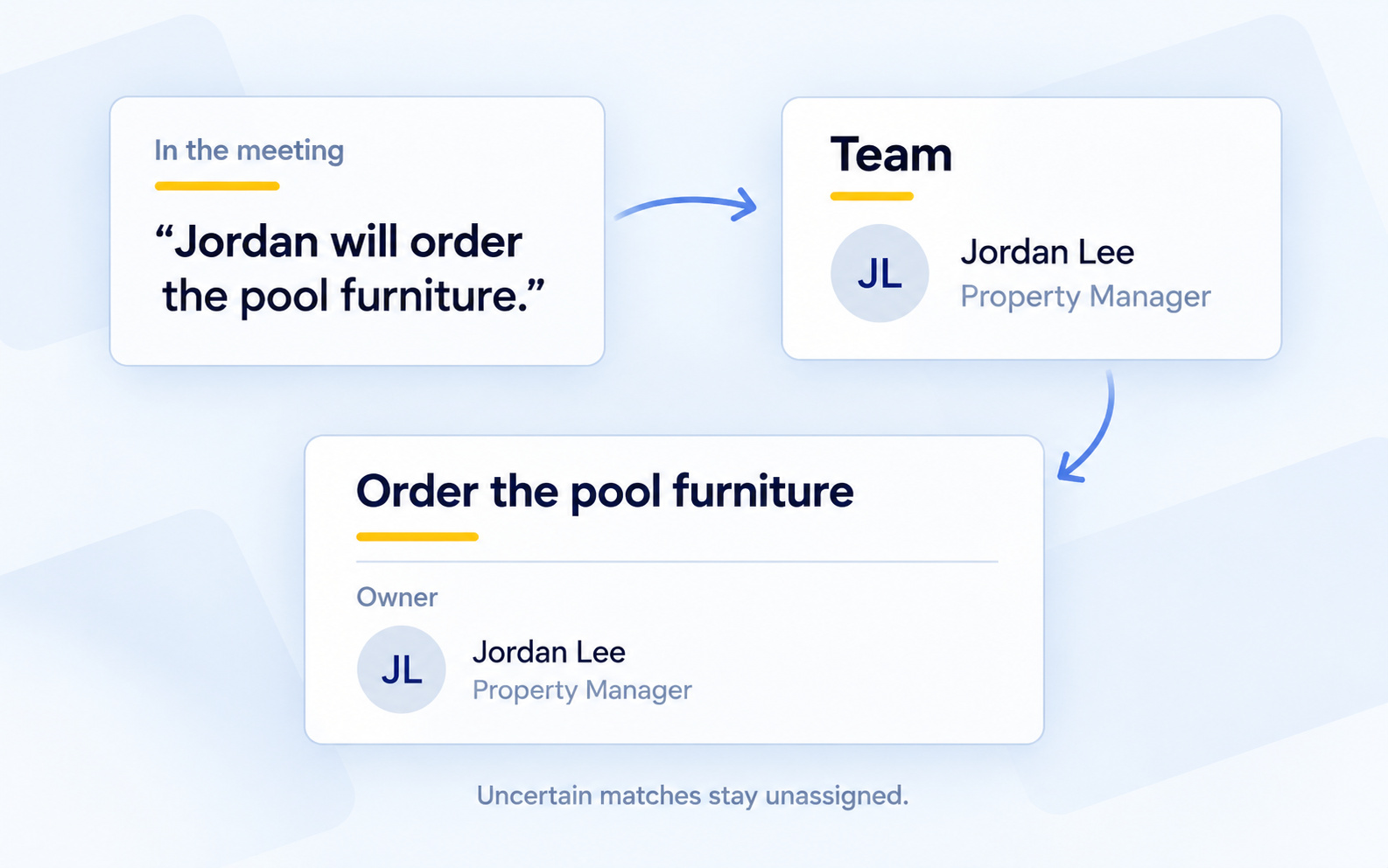
Action items name the right person
When a meeting names someone responsible for a follow-up, Kenli uses the property's Team to match the owner and spell their name consistently in summaries and action items.
Read the update → -
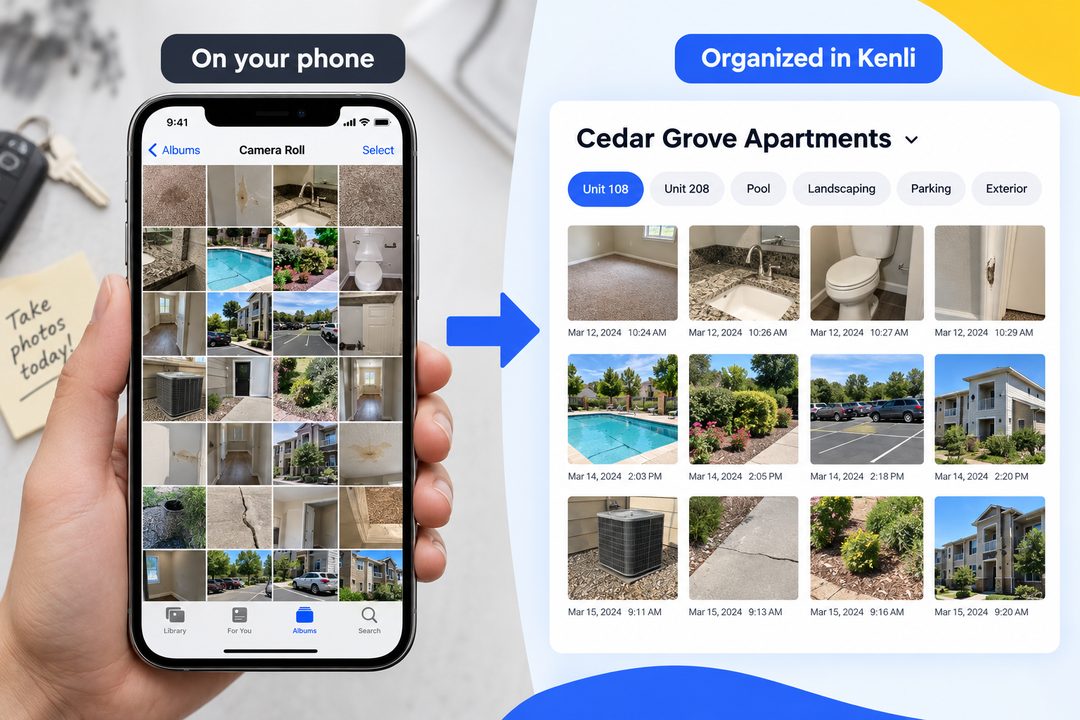
Keep property photos out of your camera roll
Take property photos inside Kenli so they stay organized by property, keep their context, and turn into follow-up.
Read the update → -
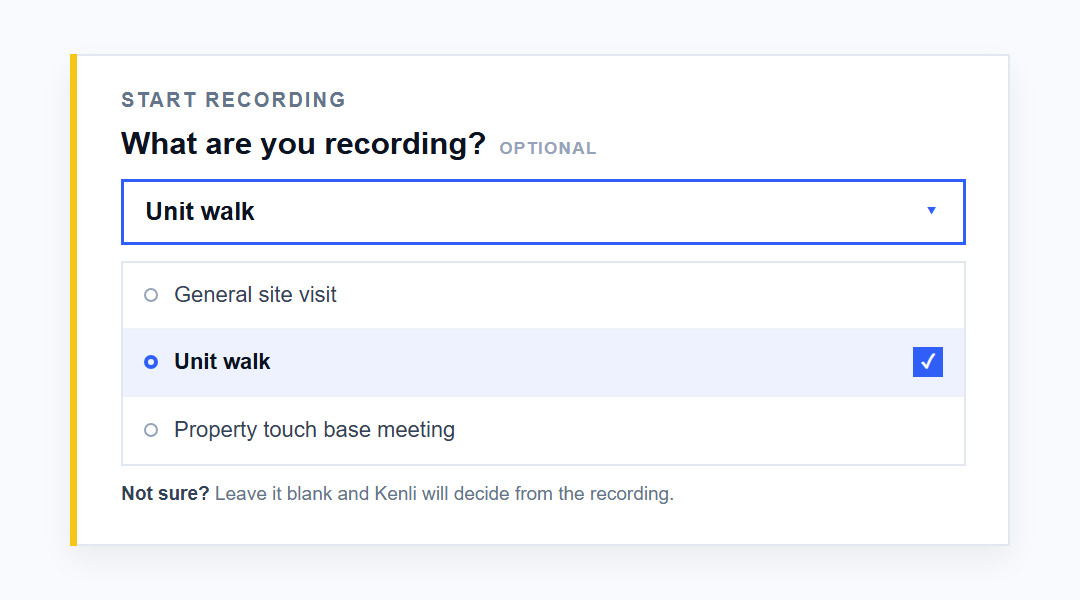
Kenli 1.0.1: three new ways to use Kenli on your phone
Choose what you are recording, ask AI by voice, and fix photo tags after the visit.
Read the update → -

Kenli now goes wherever your day goes
Record on your phone, review on your computer, share with the team. Kenli is now on iOS, Android, desktop, and the web.
Read the update →