After an operations call, the property team needs to know what was decided and what happens next.
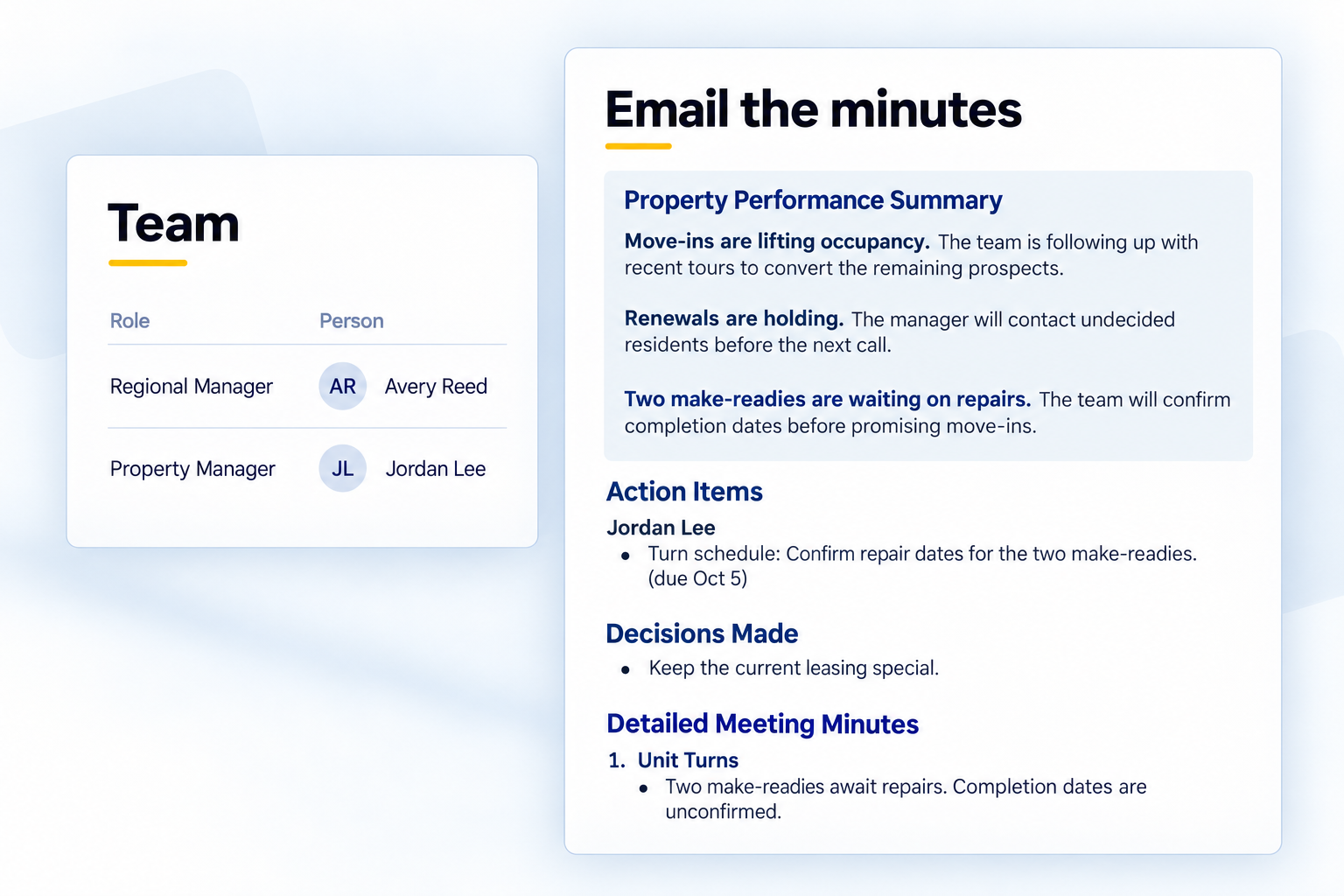
Kenli now helps you turn that recorded conversation into a follow-up email. Review the minutes, choose recipients from the property’s Team, and prepare the email before sending it from Outlook or Gmail.
Review the minutes before you share them
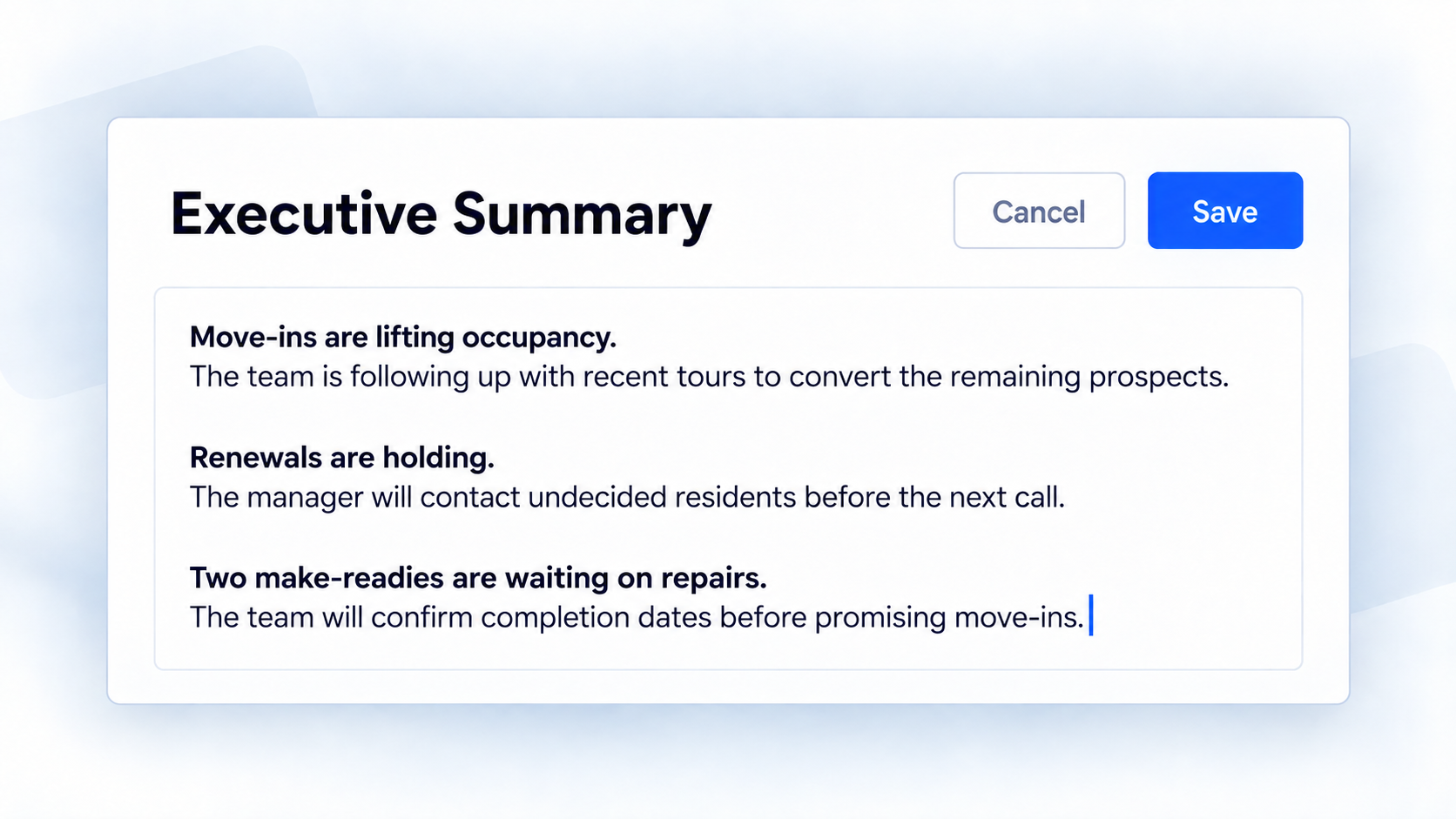
Read the recap and correct anything the team needs to understand. If you recorded the meeting, use Edit to correct a name, clarify a decision, or add context. Your changes stay with the saved minutes.
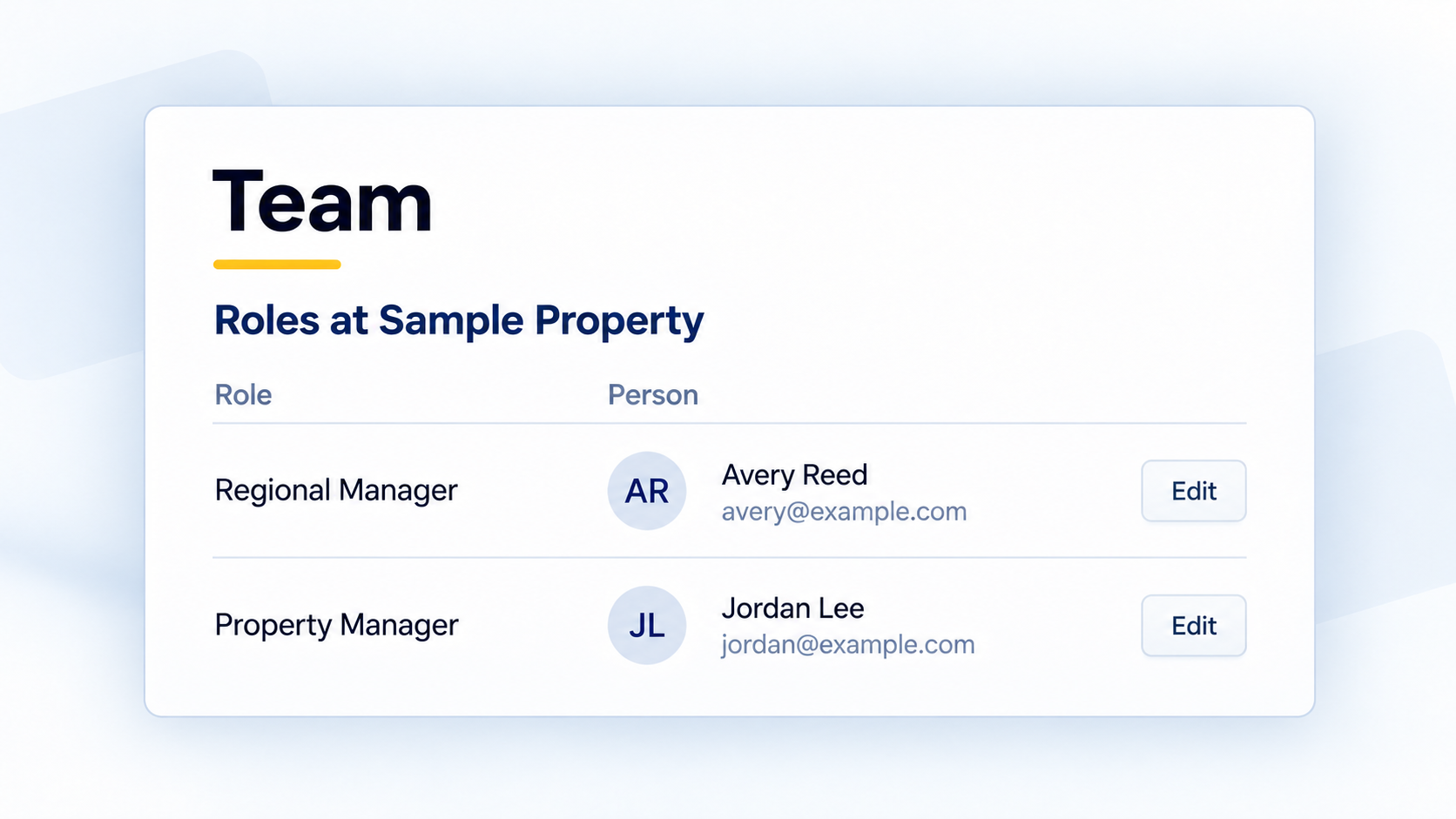
Keep the property’s contacts in its Team
Keep each role’s contact name and email address together in the property’s Team. Those contacts are available as recipients when you prepare the minutes email. Choose who needs this update, or add someone for this meeting only.
Prepare the email, then send it from your mailbox
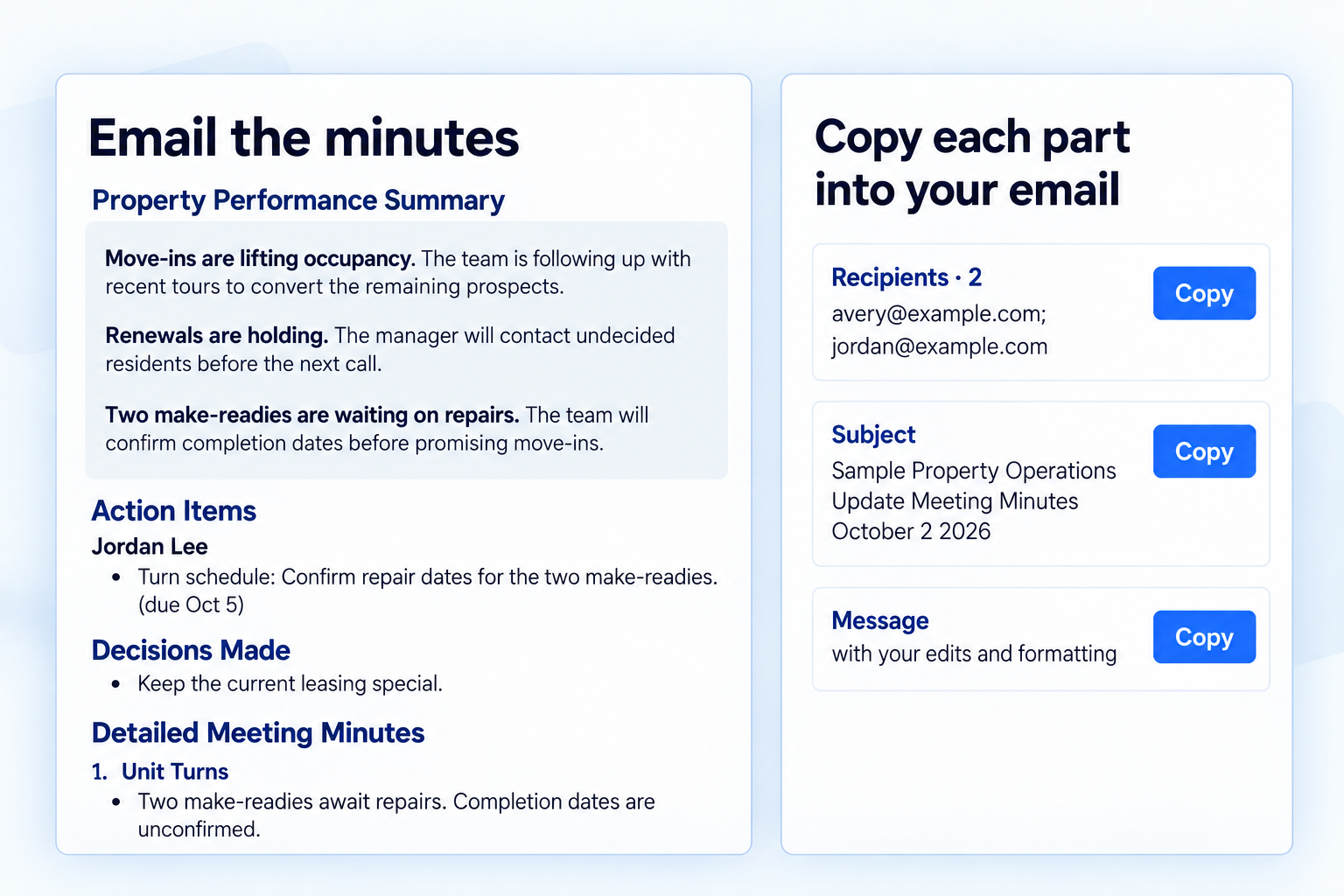
Open Share → Email the minutes. Review the selected summary, action items and other sections before you copy them. Edits here change this email only.
Copy Recipients, Subject and Message into Outlook or Gmail, then send the email there.
Available on the web. A regional with access to the property, or a company admin, can set up its Team.