← All updates
Update noteWeb and phone ·

Send the minutes straight from Kenli

No more copying the minutes into Outlook after a call. Kenli now sends them for you, in three steps.

1  Pick who gets it
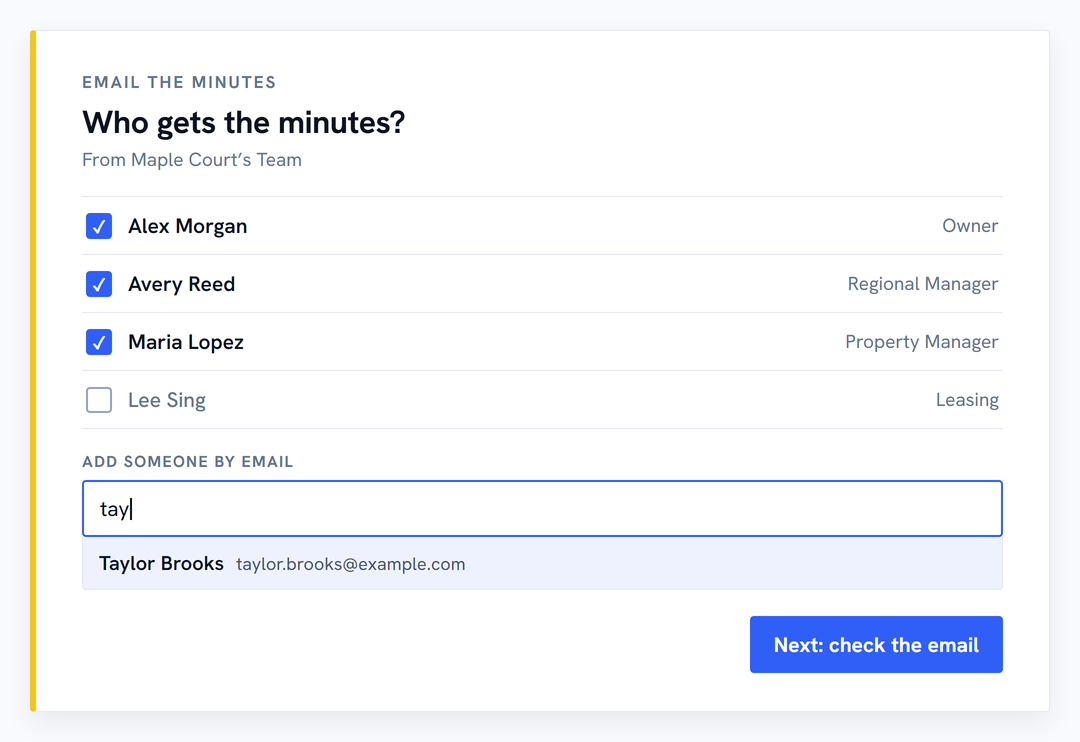
Who gets the minutes? The property Team with Owner, Regional Manager and Property Manager ticked, and Kenli suggesting someone you sent minutes to before. Sample names.

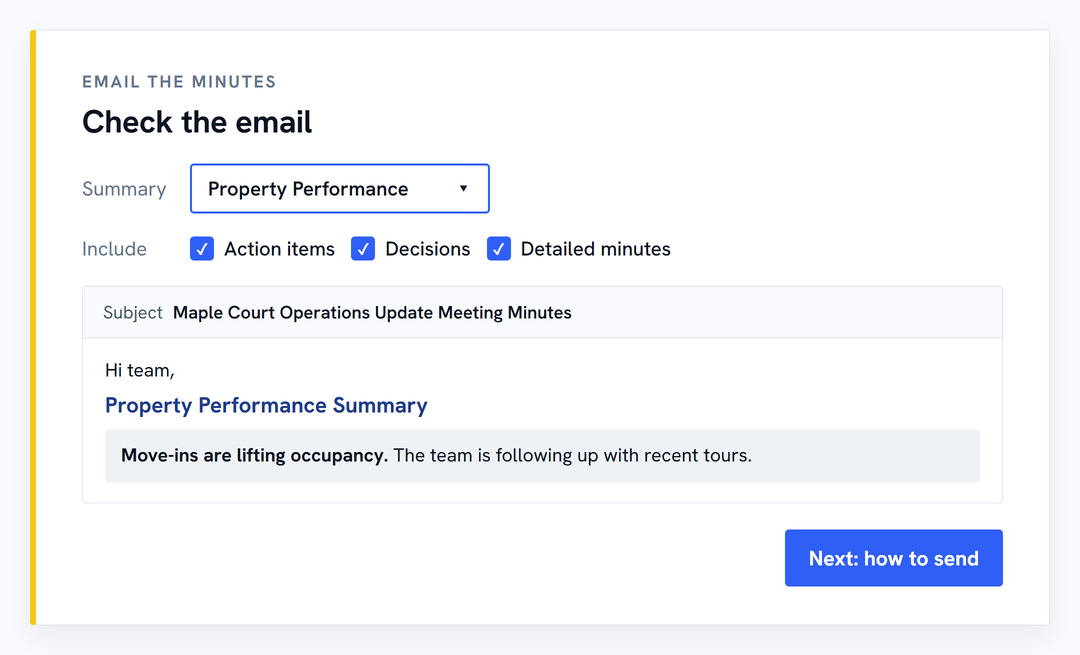
2  Check the email

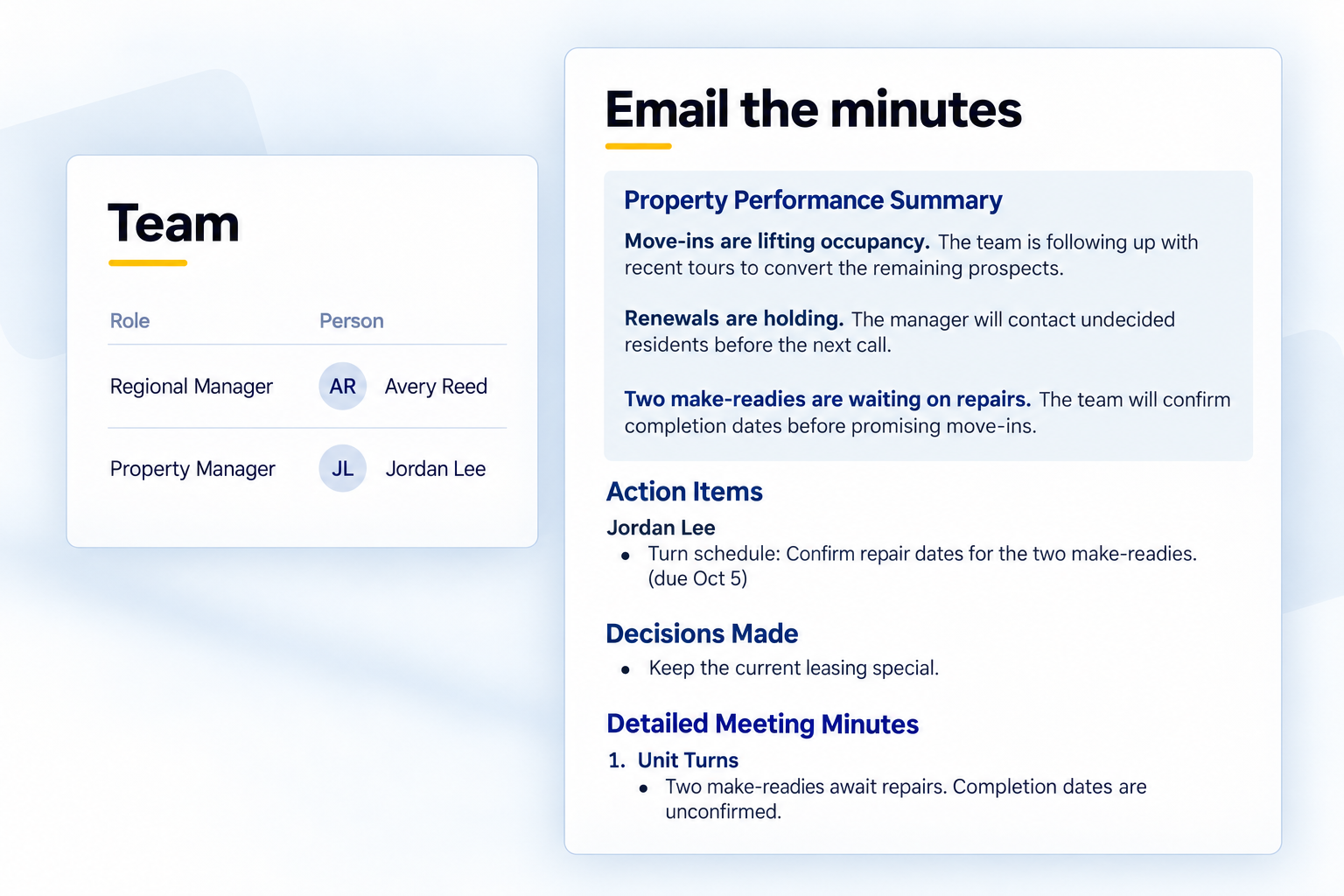
Check the email: pick the summary, choose to include action items, decisions and detailed minutes, and see the email before it goes. Sample names.

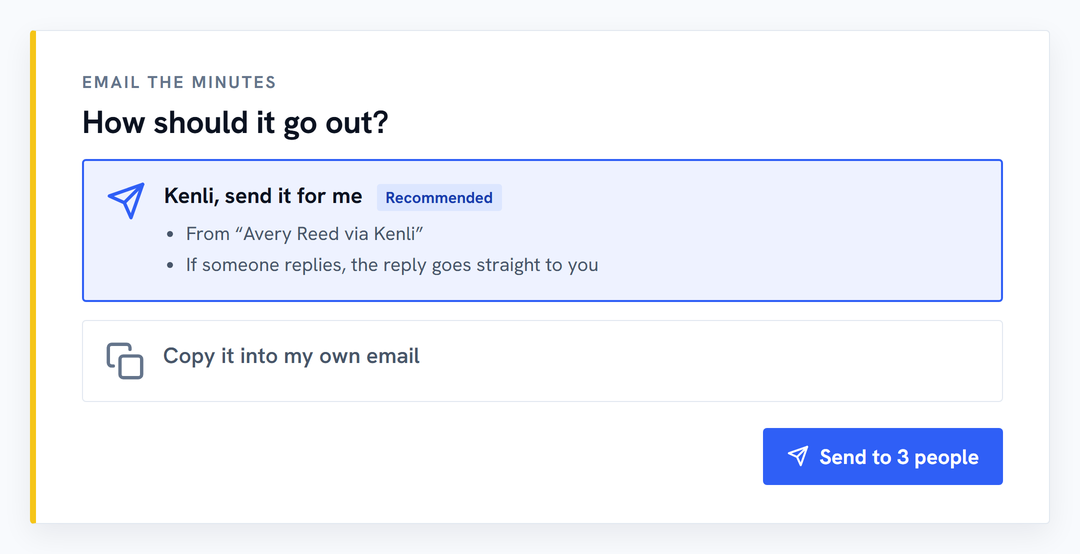
3  Let Kenli send it

How should it go out? Kenli, send it for me (Recommended), from Avery Reed via Kenli, or Copy it into my own email, and Send to 3 people. Sample names.

It goes out from your name via Kenli. Replies come back to you, and you get a copy. If you’d rather send from your own mailbox, Copy it into my own email still works.

It works the same in the phone app.

Where to find it: Open a meeting → Share → Email the minutes.
Send the minutes after your next call.