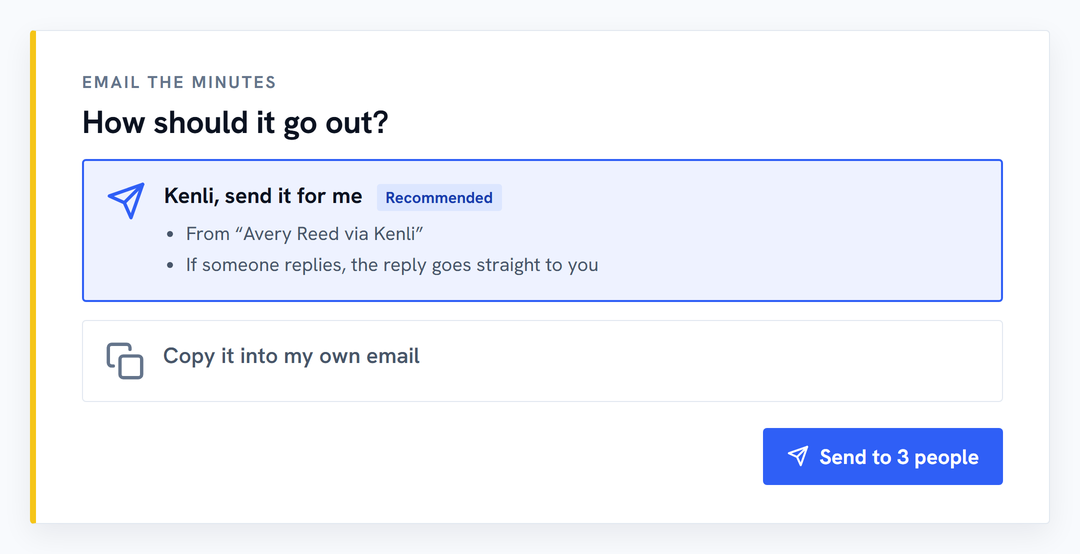
Someone missed an important property meeting? Whether it’s an owner, regional manager, or vendor, you can now share a Kenli meeting with anyone, even outside your company.
No more copying and pasting meeting minutes. Now, you can share the entire meeting experience directly from Kenli.
Share in a few clicks
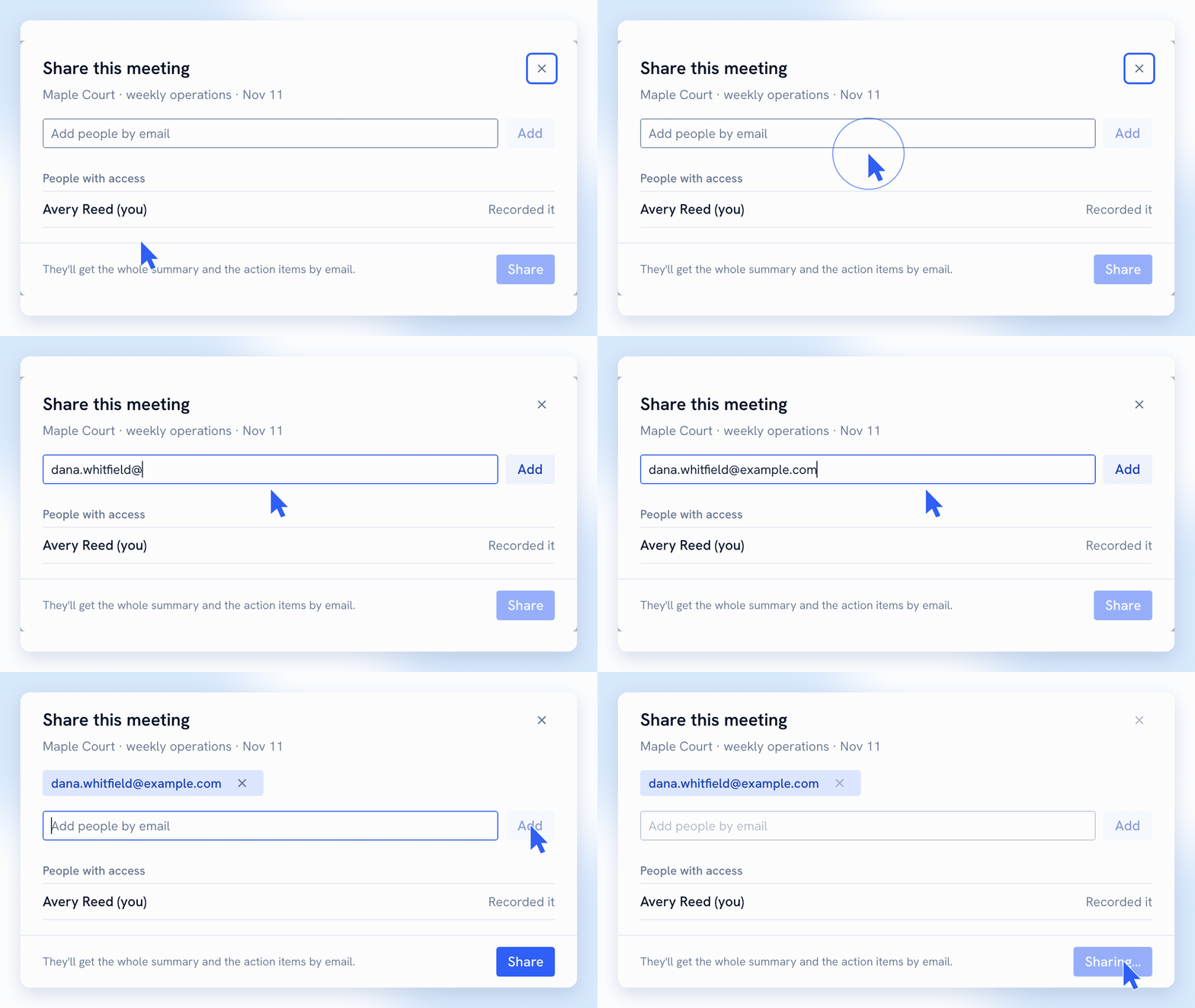
Open a meeting, press Share, and add an email address — someone from the property’s Team, or anyone outside your company. On the phone, choose Share link from the Share menu.
Everything they need, in one email
Kenli sends each recipient an email with the meeting overview, open action items, and a button to view the shared meeting. If they’re new to Kenli, they can create an account using that email address.
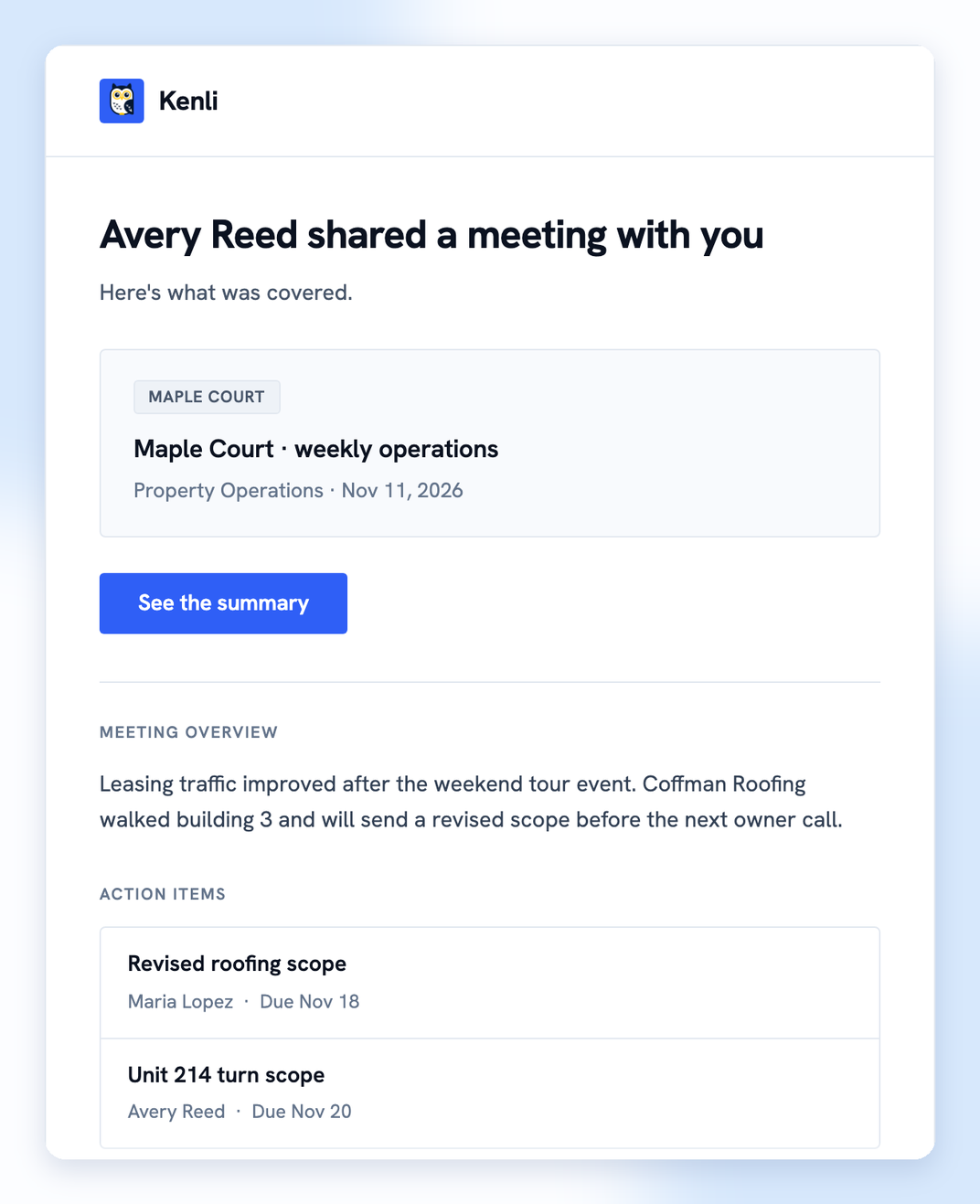
Unlike emailing meeting minutes, sharing gives recipients read-only access to the meeting, so they can explore the details whenever they need to.

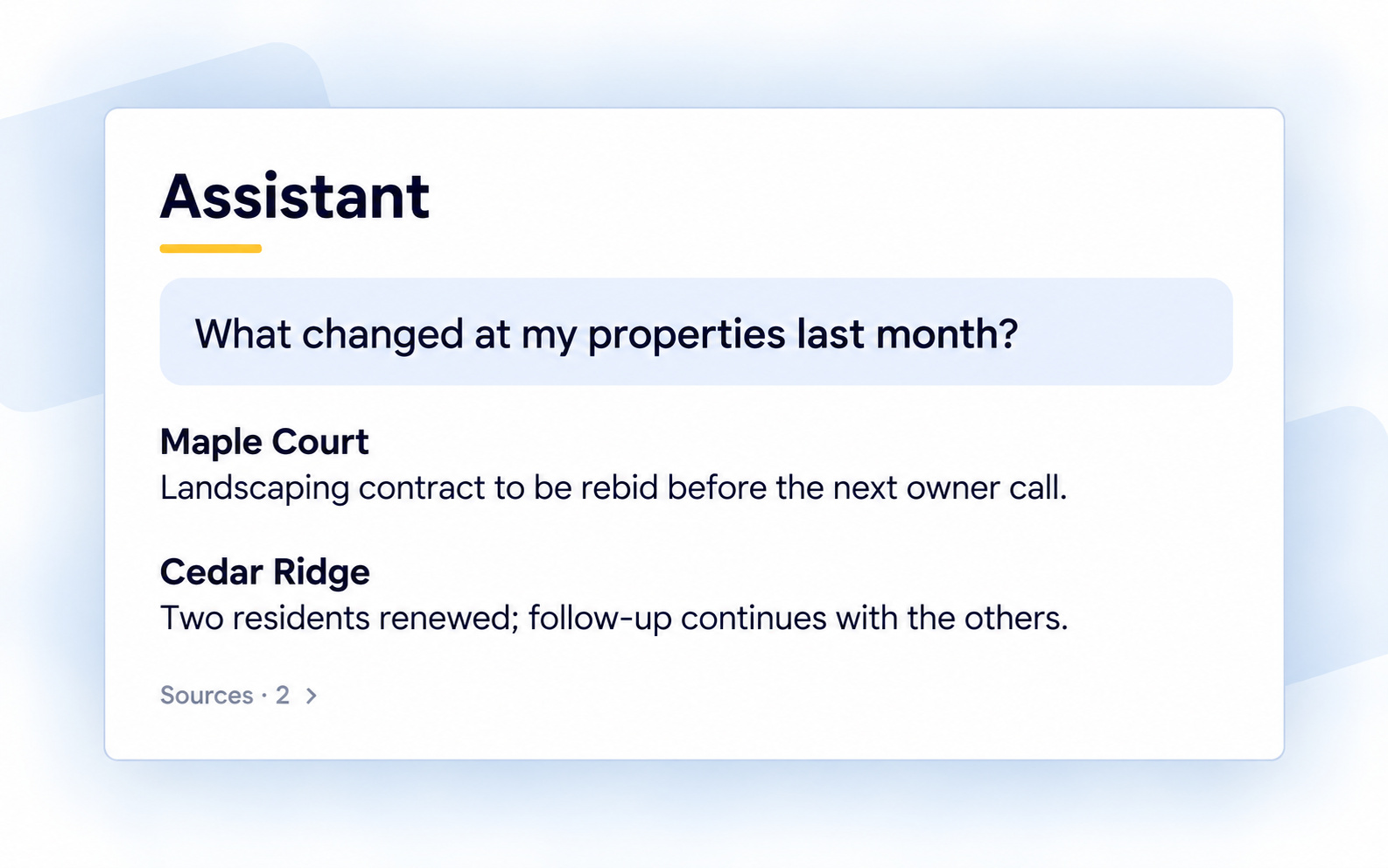
And here’s the best part: They can Ask Kenli, too!
Sharing goes beyond sending meeting minutes. Recipients can review the summary, action items, and photos—and ask Kenli questions about what was discussed.
Whether they want to revisit a decision or check the next steps, they can explore the meeting themselves.
“What did we decide about the roofing scope?”The team agreed to hold the Coffman Roofing scope until the revised quote arrives.
The full transcript and audio recording remain private.
Everything shared with you, in one place
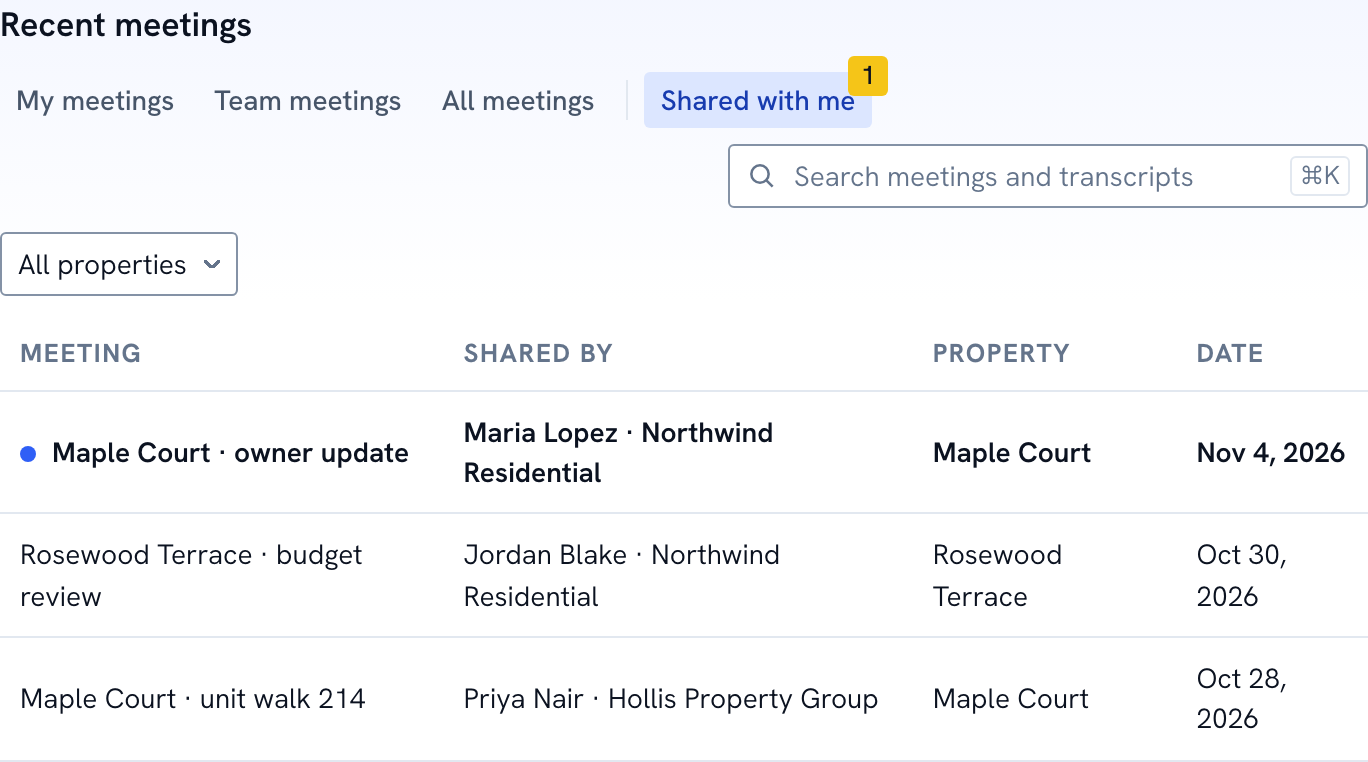
Meetings people share with you collect under Shared with me on your Kenli home page, with a count of the ones you have not opened. It is there on the web and on your phone.
You’re always in control
Open Share at any time to see everyone with access, and remove someone in one click. The email they already received does not change, but the meeting stops opening for them.