Budget season means back-to-back trainings, planning discussions, and review calls. When questions come up weeks later, it is not always easy to remember exactly what was discussed.
Record your sessions in Kenli, then simply ask when you need the details.
Capture the conversation, not just your notes
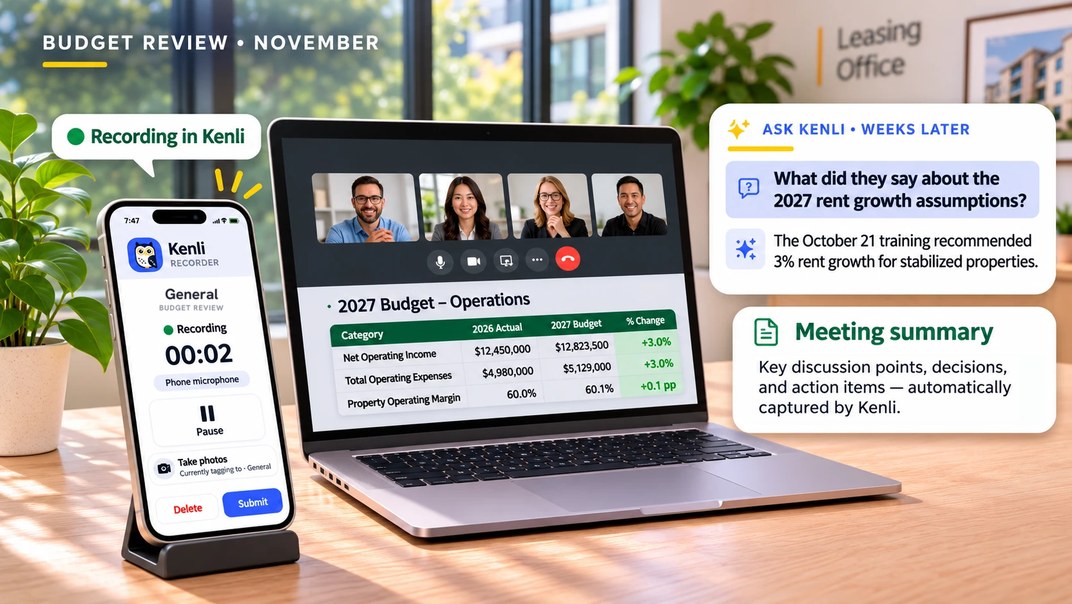
Whether you are attending an in-person budget training or joining a virtual review, record the discussion with Kenli so you can revisit it later.
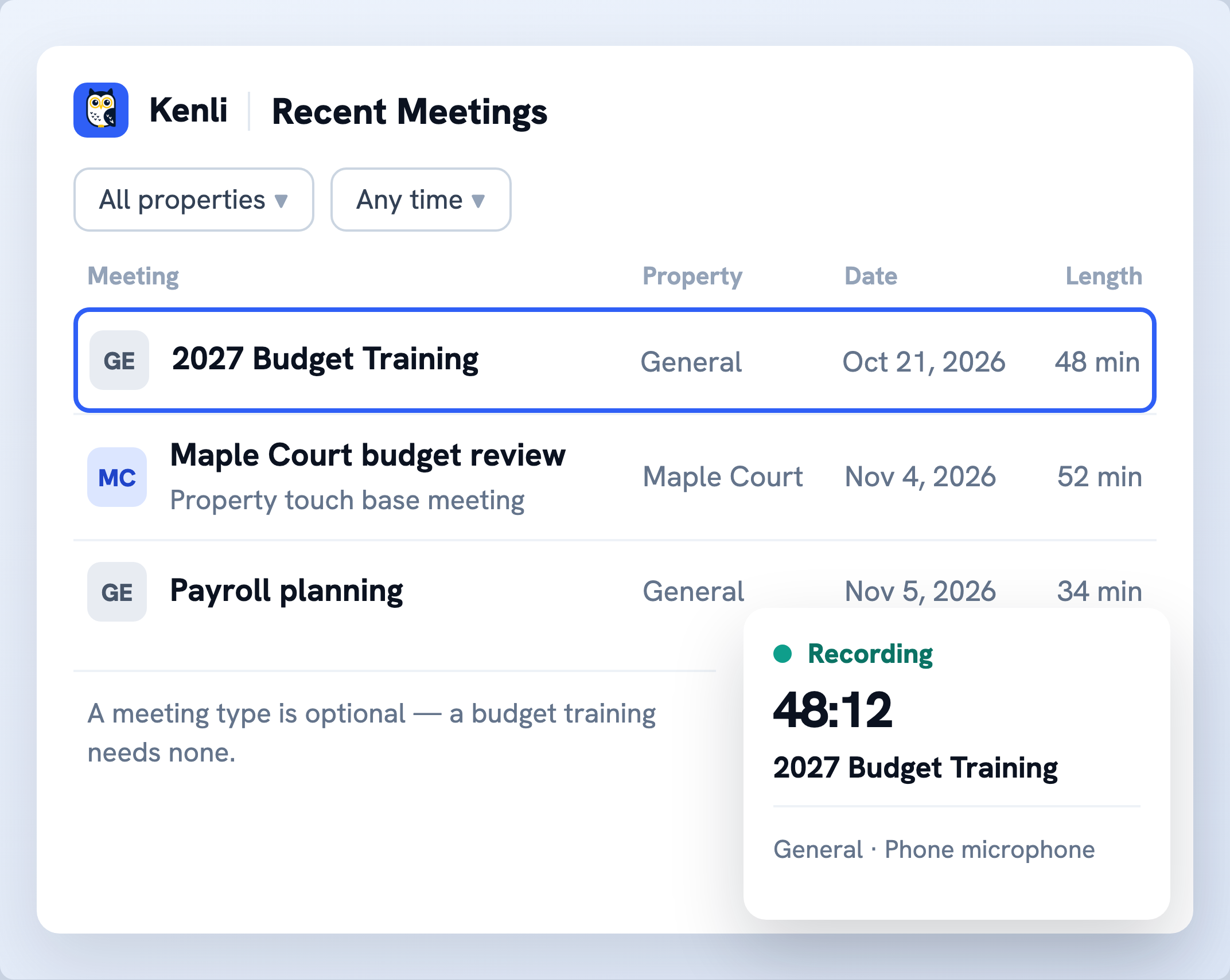
Recording a virtual call? The Windows app captures call audio. On Mac, use your speakers instead of headphones so Kenli can capture the conversation.
Your discussion, already written up
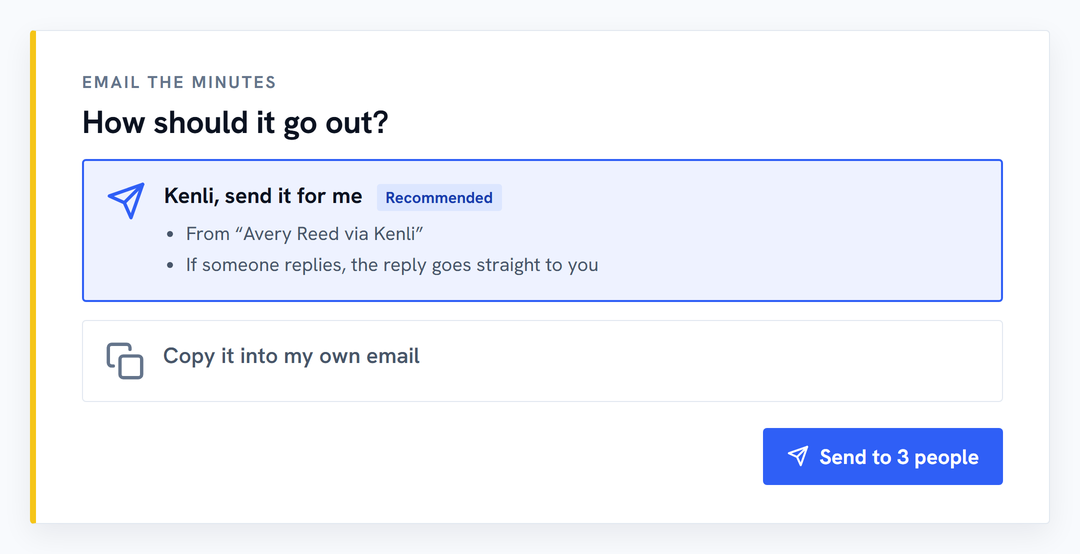
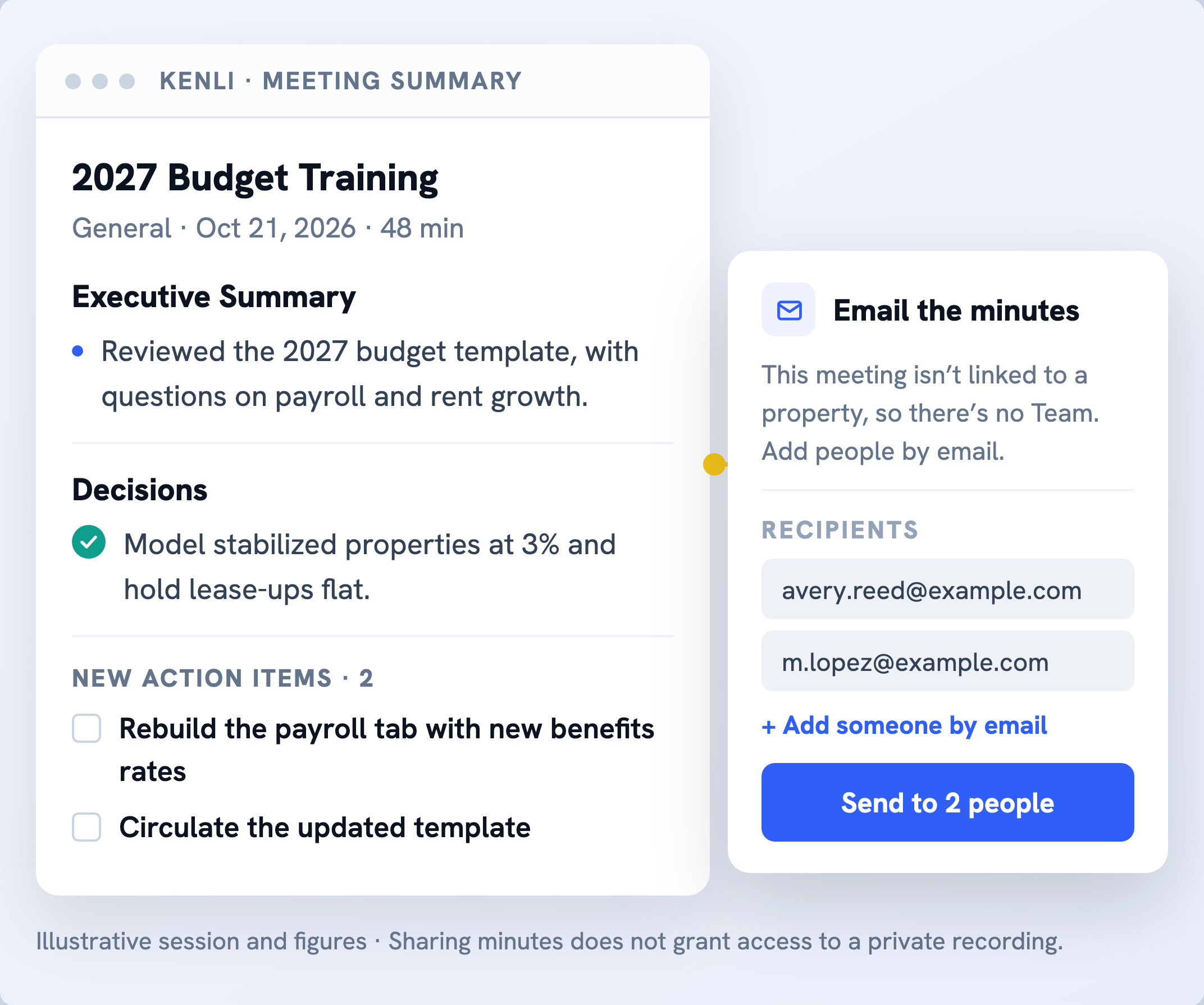
Kenli puts together a summary and highlights follow-ups from the session, so you do not have to write everything down. Review the minutes and share them by email when needed.
Weeks later, just ask Kenli
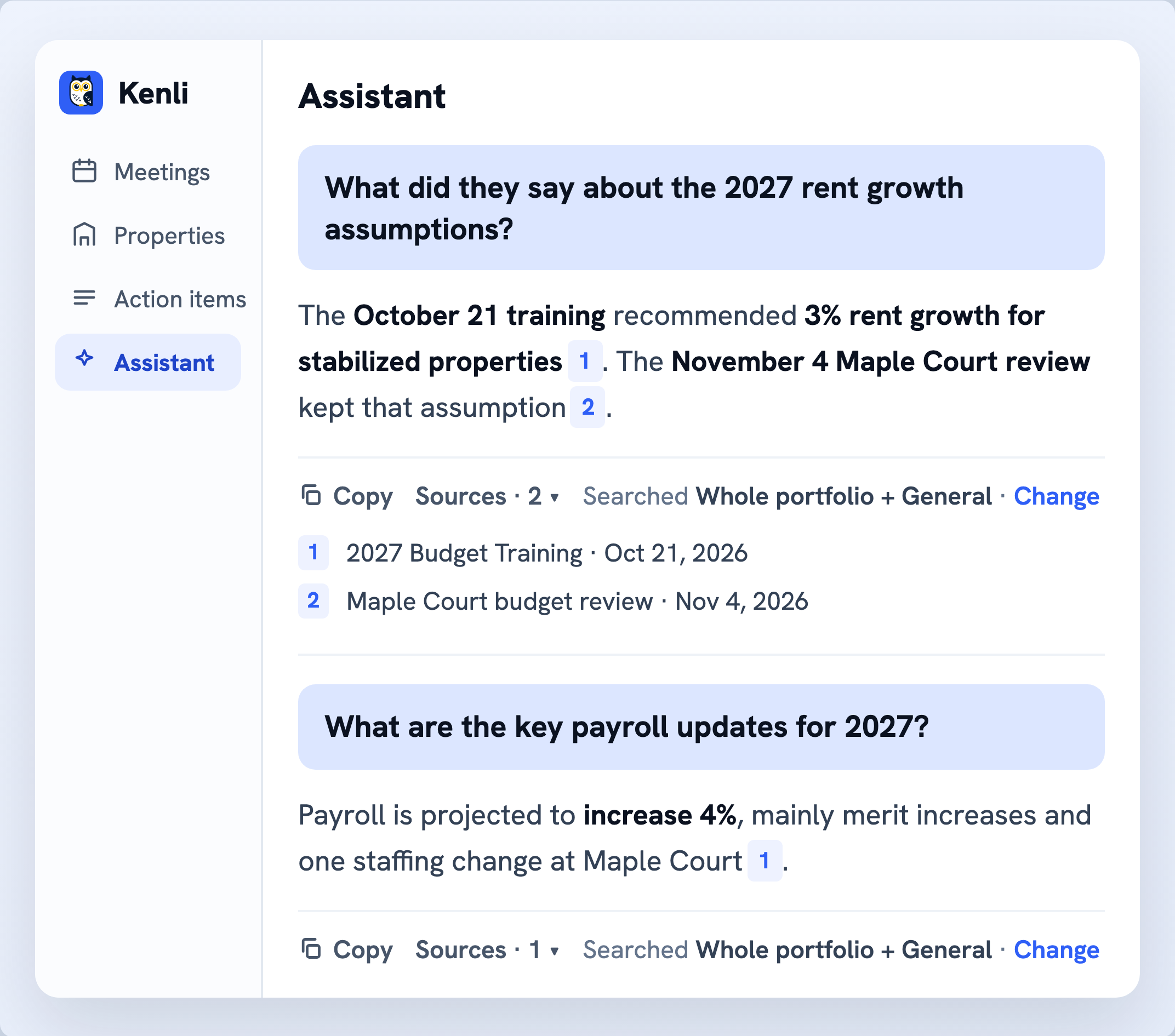
Need to check what was discussed about rent growth, payroll, or budget revisions? Ask Kenli about a specific recording or across the sessions you have access to. See which meetings the information came from.
Record your next budget training or review. When you need to revisit the details, just ask Kenli.
We would love to hear how Kenli helps you through this budget season: hello@kenli.ai